




















































You finally arrive at your destination, excited to explore a new city. But when you try to open maps or book a ride, the internet doesn’t work. Your eSIM is installed, the plan is active, yet there’s no connection. This situation happens more often than many travelers expect. Sometimes, the simplest fix is learning how to easily reset network settings for eSIM. It’s a quick solution that often restores data connectivity within minutes.
In this guide, we’ll explain when and why you should know how to easily reset network settings for eSIM, how to do it safely, and how travelers stay connected worldwide using reliable solutions like Viva eSIM.
What Is an eSIM?(how to reset network settings for eSIM)
An eSIM is a digital SIM card built directly into your smartphone. Instead of inserting a physical SIM, you activate a mobile plan by scanning a QR code or installing a profile. This technology is especially useful for travelers because it allows them to:
- Activate data plans before traveling
- Switch between countries easily
- Avoid expensive roaming fees
- Stay connected immediately after landing
Many international travelers now prefer Viva eSIM for travelers because it simplifies global connectivity. However, like any network technology, sometimes connection issues happen—and that’s where resetting network settings can help.
Why You May Need “How to Easily Reset Network Settings for eSIM”
Imagine your phone trying to connect to a new network abroad while still holding onto old network configurations from your home country. This can create conflicts that prevent your eSIM from working properly, which is why it’s helpful to know how to easily reset network settings for eSIM.
Resetting network settings clears these old configurations and allows your device to reconnect fresh. Common situations where this helps include:
- When your eSIM shows signal but no internet.
- When mobile data isn’t working abroad.
- When your phone cannot detect available networks.
- When switching between multiple countries during a trip.
- When airplane mode or roaming settings caused a glitch.
Many travelers fix their connectivity issues in minutes just by performing a network reset.
eSIM vs Traditional Roaming When Connectivity Fails
When traditional roaming fails, travelers often have to call their telecom provider or purchase a local SIM card. Both options can be time-consuming and expensive. With eSIM, troubleshooting is much easier. Since everything is managed digitally, most issues can be fixed directly from your phone settings. This flexibility is one reason global travelers prefer eSIM over physical SIM cards. Instead of searching for a telecom shop, they simply reset settings or reinstall their data plan.
That’s also why many travelers choose to buy Viva eSIM online before traveling—it reduces the chances of connectivity problems abroad.
Best eSIM Plans for Travelers (how to easily reset network settings for eSIM)
Before discussing the reset process, it’s worth understanding that the right data plan can also affect your experience. Travelers usually choose different types of plans depending on how long they stay and how much internet they use. Short trips are ideal for compact plans that provide enough data for maps, messaging, and occasional browsing. Medium-length trips often require larger plans since travelers rely on the internet for transportation apps, social media, and work-related tasks. Long-term travelers or digital nomads may choose unlimited or high-data plans, especially when using mobile internet as their primary connection.
Many Viva eSIM plans are designed specifically for travelers who move between countries frequently, ensuring stable connectivity worldwide.
4G / 5G Coverage and Speeds With eSIM
When your eSIM is working properly, you typically connect to local telecom networks in the country you’re visiting. This means you can enjoy:
- Fast 4G LTE speeds in most cities
- 5G connectivity in advanced regions
- Reliable coverage in airports and tourist areas
- Stable internet for navigation and communication
However, if your phone struggles to connect to these networks, resetting network settings can help your device reconnect correctly.
Where eSIM Connectivity Works Best
Travelers often notice the strongest eSIM performance in busy and well-connected areas. Airports are usually the first place where connectivity matters. Many travelers rely on their eSIM to arrange transport, contact hotels, or access travel information immediately after landing. City centers and tourist hotspots also offer excellent connectivity, making it easy to navigate unfamiliar locations. Hotels, coworking spaces, and transport hubs typically maintain strong network coverage, helping travelers stay connected during their journeys.
Step-by-Step: How to Easily Reset Network Settings for eSIM
Resetting network settings might sound complicated, but it’s actually simple and safe. It does not delete your eSIM plan, but it will remove saved Wi-Fi networks and Bluetooth connections. Here’s how travelers can reset network settings on their phones.
On iPhone
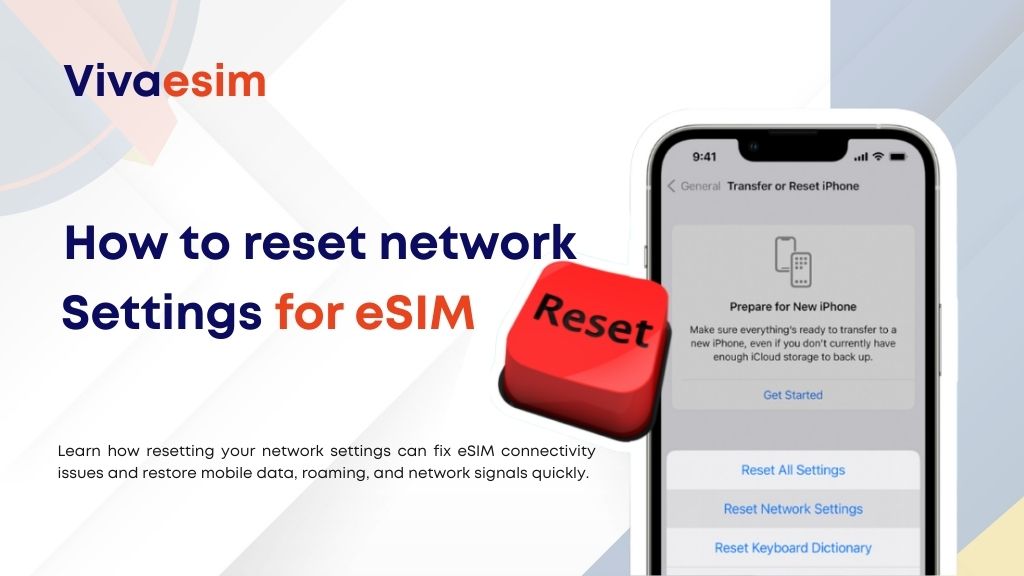
First, open the Settings app on your device. Then go to General and scroll down until you see Transfer or Reset iPhone. From there, select Reset and choose Reset Network Settings. Your phone will restart automatically. Once it turns back on, your device will reconnect to networks with fresh settings.
After the reset, ensure that your eSIM is selected as the primary data line and that data roaming is turned on.
On Android
On most Android devices, start by opening Settings and navigating to System or General Management. Look for Reset options and choose Reset Wi-Fi, mobile, and Bluetooth. Confirm the reset and allow your phone to restart. Once the phone is back on, reconnect your eSIM data and enable roaming if necessary. In many cases, this step immediately restores mobile data connectivity.
Data-Saving Tips After Fixing Your eSIM
After restoring your connection, it’s helpful to manage your data wisely while traveling. Many experienced travelers download maps before leaving their hotel or airport. This reduces data usage during navigation. Another smart approach is limiting background apps that continuously consume data without you noticing.
Using Wi-Fi for large updates and cloud backups also helps extend your travel data plan. These simple habits ensure your eSIM plan lasts throughout your trip.
Is Resetting Network Settings Safe?-how to easily reset network settings for eSIM
Yes, resetting network settings is completely safe. It does not remove your eSIM plan, personal files, or apps. The only things that reset are:
- Wi-Fi passwords
- Bluetooth connections
- Saved mobile network preferences
Your eSIM profile remains installed and ready to reconnect. This makes travel eSIM troubleshooting guide an essential resource for travelers experiencing connectivity problems.
Who Should Use a Travel eSIM?(how to easily reset network settings for eSIM)
Travel eSIM technology is ideal for:
- Frequent travelers moving between countries
- Business professionals needing reliable internet abroad
- Tourists who want instant connectivity after landing
- Remote workers and digital nomads
- First-time international travelers
Because everything can be activated digitally, eSIM removes many of the traditional challenges of staying connected overseas. Sometimes, a simple reset network settings eSIM fix is all it takes to restore connectivity and get back online quickly.
Resetting Network Settings Can Fix Most eSIM Issues
When your internet stops working abroad, it can feel stressful especially when you rely on your phone for navigation, bookings, and communication. But in many cases, simply learning how to reset network settings for eSIM can solve the problem instantly.
Once your device reconnects to the correct network, you can enjoy fast and stable internet access again. For travelers who want a smooth connectivity experience from the start, choosing reliable travel data providers is important. Many global travelers rely on Viva eSIM plans because they offer easy activation, broad coverage, and flexible options for international trips.
If you want to avoid connectivity issues during your journey, it’s always a good idea to know how to easily reset network settings for eSIM like Viva eSIM before traveling and set it up in advance.
FAQs: Reset Network Settings for eSIM
Will resetting network settings delete my eSIM?
No. Resetting network settings will not remove your eSIM profile or data plan.
When should I reset network settings for eSIM?
You should reset network settings if your eSIM is installed but mobile data is not working.
Does resetting network settings fix roaming issues?
Yes, in many cases it resolves roaming connectivity problems.
Do I need to reinstall my eSIM after resetting?
Usually no. Your eSIM remains active after the reset.
Why is my eSIM connected but no internet?
This may happen due to incorrect network configurations, which can be fixed by resetting network settings.
Can resetting network settings improve signal strength?
It can help your device reconnect to a stronger network available in the area.
Is it safe to reset network settings while traveling?
Yes, it’s a common troubleshooting step recommended by telecom providers.
How long does it take to reset network settings?
The process usually takes less than a minute.
Do all smartphones support eSIM?
Most modern smartphones now support eSIM technology.
Should I set up my eSIM before traveling?
Yes, setting it up before departure ensures a smoother connection when you arrive.
